Guides · Cashback basics · July 21, 2026
Cashback portals 101
By Patrick · 3 min read
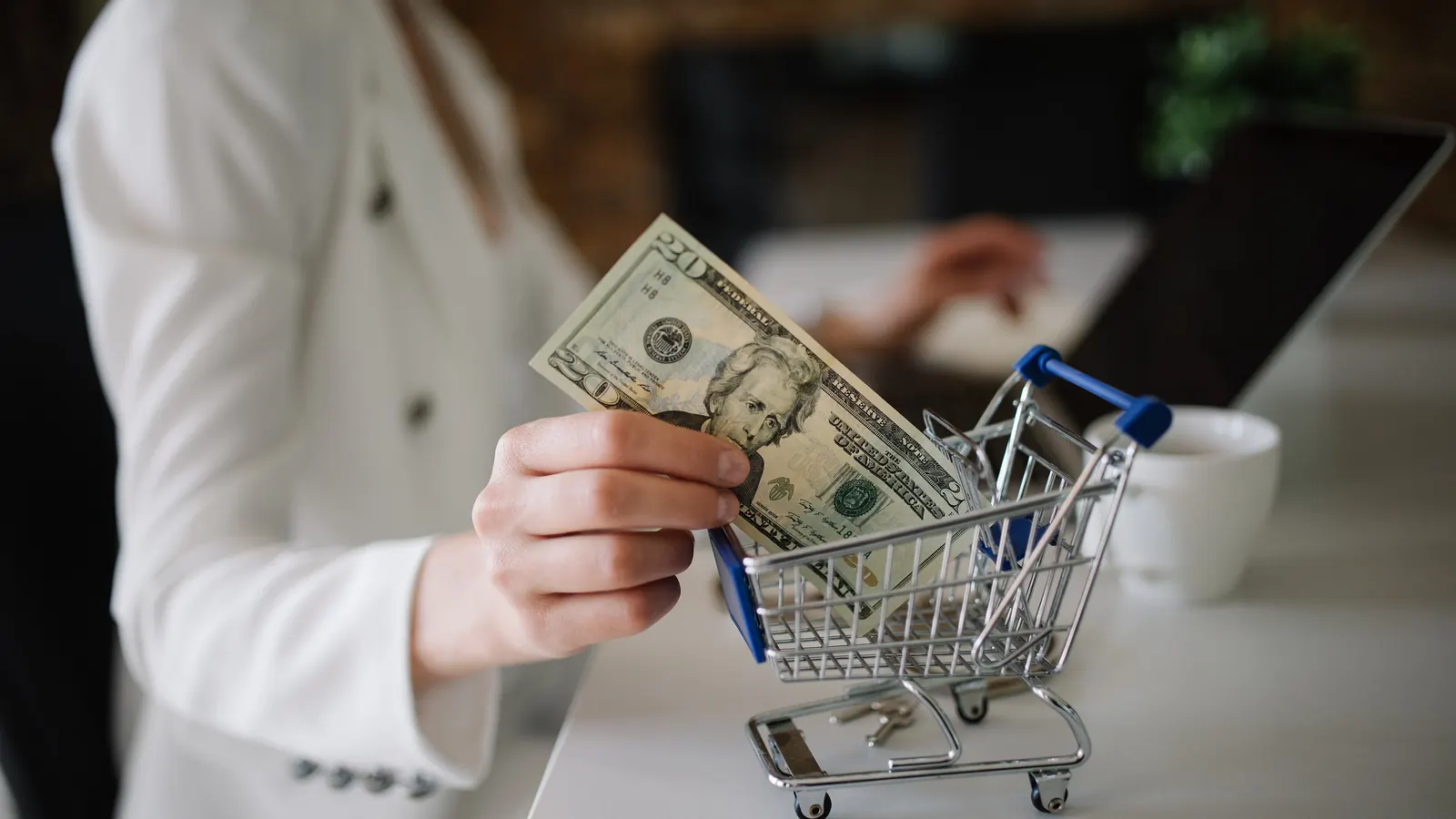
What shopping portals are, how they really pay you, and how the points-and-miles crowd stacks them.
How a cashback portal pays you
A cashback portal, also called a shopping portal, is a website that pays you for starting your online shopping there. Click through the portal to a store, buy what you were going to buy anyway, and the portal credits you cash, airline miles, or credit card points.
Stores pay affiliate commissions for referred sales, and portals hand part of that commission back to you. That's also why rates differ so much between portals - each one decides how much of its commission to share, store by store, week by week.
The three reward types
- Cashback portals (TopCashback, Rakuten, BeFrugal, Mr. Rebates…) pay cash - the simplest math.
- Airline mileage portals (AAdvantage eShopping, MileagePlus Shopping, SkyMiles Shopping…) pay miles or points per dollar (e.g.
3 mi/$), and some stores pay a flat number of miles per order. Most of them run on one of a few shared platforms, but each has its own stores and rates. - Card portals (Shop through Chase, Rakuten's Amex Membership Rewards mode…) pay transferable credit-card points.
Which reward type "pays best" depends entirely on what a mile or point is worth to you - which is why this site shows rates in native units, meaning miles as miles and points as points, never silently converted into dollars. Any dollar conversion here is an explicit, adjustable assumption, never a fact.
Why you should check before you shop
The same store can pay 2% on one portal and 10% on another, on the same afternoon. Rates jump around constantly: stores change what they pay the portals, and each portal changes how much of that it passes on. Two habits capture most of the value:
- Compare across portals for the store you're buying from - that's the search box here.
- Notice when a rate is unusually high compared with its own history. 8% might be ordinary for one store and the highest we've ever seen for another. Our rate verdicts and the rate highs page exist for exactly this.
Stacking, briefly
Portal earnings stack with everything else. The stacking guide takes each layer in turn; the stack below is the short version. A full stack might look like:
store promo/coupon + portal rate + credit-card earning + card-linked offer (+ gift-card angles for the advanced crowd)
Cash and airline portals don't care which card you pay with, so a card that earns well on online shopping multiplies what you get back on the purchase. Card portals are different: their rates depend on which card you hold. One warning: your portal cashback can be voided by coupon codes the portal didn't list - when in doubt, use only the store promos shown inside the portal.
What to watch for
- Tracking is fragile. Ad blockers, cross-site cookie settings, and wandering off to a coupon site mid-checkout are the classic ways to lose the cashback entirely. Click through the portal last, in a clean tab, ideally in an incognito/private window, and keep that window open until the store's order confirmation loads. The cashback tracking guide lists the rest of the traps.
- "Up to X%" is a ceiling, not a promise. The headline rate often applies to one category; check the store page fine print.
- A boosted rate expires. A boosted rate is the ordinary rate temporarily raised above its usual level, and on airline portals especially it is real value but short-lived. Where a portal publishes the date it ends, the rate's detail shows an "Ends" date; otherwise its own tracked history is the guide.
- Payouts take time. Cash portals usually take weeks to confirm a purchase (Rakuten's own timing is 3 to 14 weeks), then pay out on their own schedule. Airline miles typically post in 3 to 5 days, and up to 15; if they haven't posted after 15 days, contact the portal. Returns usually reduce or remove what you earned on that order. How long cashback takes walks through both waits, confirming and withdrawing, portal by portal.
- Promos/discount codes are tricky. Using a promo or discount code the portal didn't publish can void your cashback, so when in doubt, use only the store promos shown inside the portal.
Where this site fits
We track the rates across portals so the checking takes seconds: search a store, see every portal's current rate in native units, see whether today's number is actually good for that store, and - if you make an account - set an alert on a store and we email you when its rate moves. Start with the portal directory or just search the store you're about to buy from.
Some links on this site may earn us a referral bonus. That never changes the rates we show or how we rank them. Details